
Freelancers juggle enough already without paying monthly subscriptions for every small task. The best free online tools every freelancer should bookmark are the ones that solve daily problems quickly, load fast in any browser, and don't ask for your credit card.
Invoice and Document Tools That Look Professional
Clients expect clean, professional invoices. You could wrestle with Word templates or pay for accounting software you'll barely use. A better option: keep our invoice generator bookmarked for instant, polished invoices every time you finish a project. It calculates totals, handles multiple currencies, and lets you download a PDF in under a minute.
Once that invoice is saved, you'll often need to sign contracts or agreements. The Sign PDF tool handles that without printing, scanning, or installing desktop software. You upload, sign with your trackpad or mouse, and send it back. Clients appreciate the speed, and you avoid the printer jam at 11pm.
For broader PDF work (merging, splitting, compressing), the PDF Tools page groups everything in one place. These tasks come up constantly, and paying Adobe's subscription makes little sense if you only need the basics twice a week.
Security Tools Worth Using Before a Breach
Freelancers are targets. A compromised email account can expose client data, invoice fraud, or worse. Start with a password generator for every new client portal, project management login, and financial account. Reusing passwords is the fastest way to lose control of multiple accounts at once.
Phishing emails have become disturbingly convincing. If a client link looks even slightly odd, run it through the Phishing Link Checker before you click. It scans the URL against known threat databases and saves you from explaining to a client why their invoice email actually came from a hacker.
If you send invoices or contracts by email, check your domain's SPF, DKIM, and DMARC records at least once a quarter to prevent your messages landing in spam.
Email deliverability matters more than most freelancers realise. If your invoices land in spam, you don't get paid on time. The SPF Checker, DKIM Checker, and DMARC Checker take thirty seconds each and tell you exactly what's misconfigured. If you're setting up email authentication for the first time, the SPF Generator and DMARC Generator walk you through it without needing a systems administrator.

Text, Data, and Formatting Helpers for Repetitive Tasks
Client briefs arrive in all formats. Sometimes you need word counts for pricing, sometimes you're cleaning up copy-pasted text full of strange line breaks. The Word Counter does more than count; it shows character counts with and without spaces, which matters for meta descriptions, tweets, and character-limited platforms.
For developers and anyone handling API responses, the JSON Formatter turns an unreadable wall of text into a readable, indented structure. It validates syntax and highlights errors, which beats squinting at a terminal for ten minutes.
The Encoder / Decoder and Data Converter handle oddball requests: URL encoding, Base64, hex conversions, and CSV-to-JSON transforms. These tools earn their bookmark after the second time a client sends you data in a format your usual software can't open.
Professional Polish: Signatures, QR Codes, and Colour Tools
First impressions stick. An email signature with your name, title, phone, and website looks more credible than a plain-text signoff. The generator outputs clean HTML that works in Gmail, Outlook, and Apple Mail, and takes about ninety seconds to set up.
QR codes have moved from novelty to expectation. Event flyers, portfolio links, contact cards, and even invoice payment pages benefit from a scannable code. The QR Code Generator creates them in seconds, lets you download as PNG or SVG, and doesn't watermark your output or require registration.
If you design anything (slides, graphics, web mockups), the Color Picker gives you hex, RGB, and HSL values from any image or screen area. It's faster than opening Photoshop just to grab a brand colour from a client's logo.
Why Free Tools Still Require the Right Software Underneath
These tools handle specific tasks brilliantly, but freelancers still need a reliable foundation. Word processing, spreadsheets, email, and presentations remain daily requirements, and browser-based options often lag when you're offline or working with large files.
Most freelancers find that a one-time purchase beats subscriptions over time. You own the licence, install it on your own machine, and work without monthly fees or connection requirements. Activation is instant (the key arrives by email within minutes), and genuine licences include access to updates within that version's lifecycle.
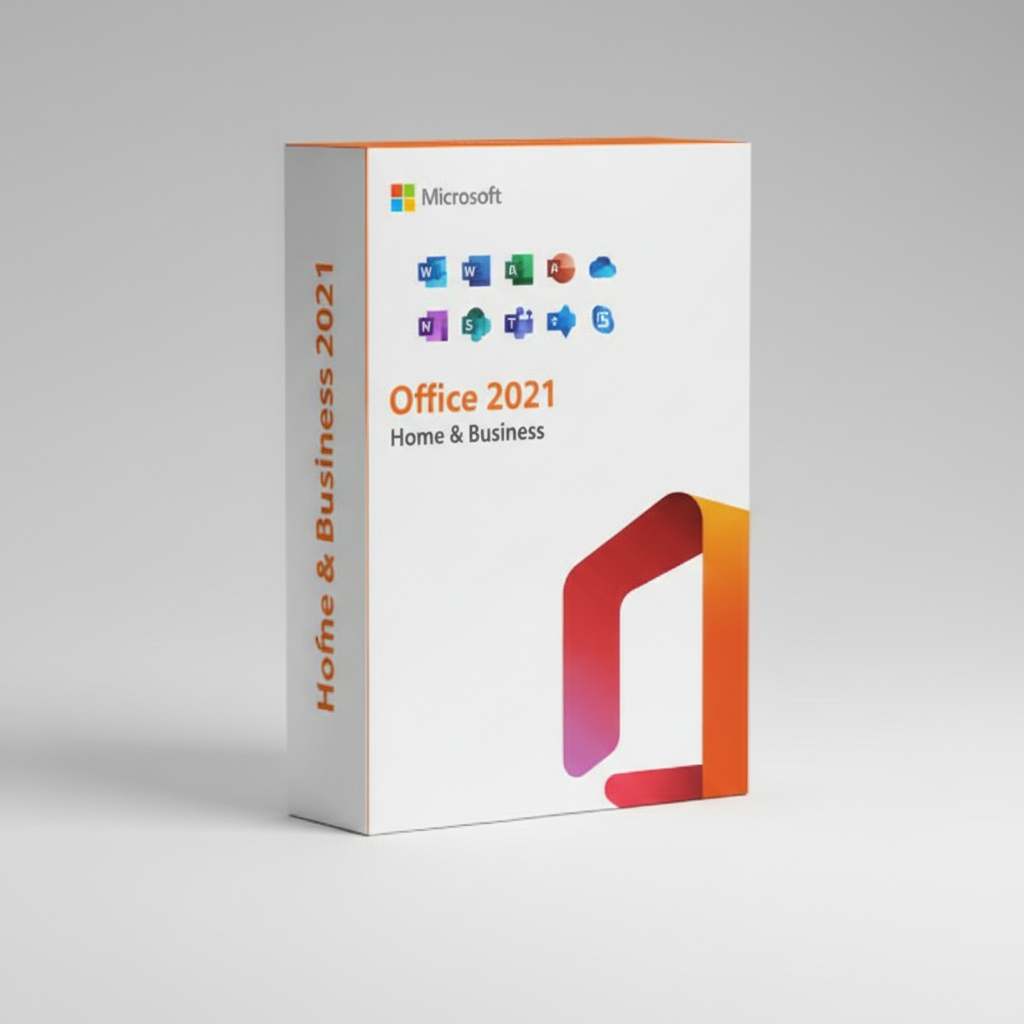
Free tools are brilliant for the edges, but your core productivity still deserves solid software. Pair them together, and you've got a freelance toolkit that works fast, costs less, and doesn't lock you into recurring payments. If you're ready to own your software outright, Microsoft Office 2021 Home and Business covers Word, Excel, PowerPoint, and Outlook with a single purchase and instant email delivery of your licence key.