
Most cafés and restaurants adopted QR codes during the pandemic for contactless menus, but that's a narrow use case. Small businesses in any sector can deploy QR codes to simplify payments, deliver digital resources, track offline marketing, and cut down on printed material.
Invoices and Payment Links
Chasing late payments is tedious. A QR code on your invoice can take the customer straight to a payment page, whether that's a bank transfer link, a PayPal checkout, or a direct debit form. They scan, confirm, and you're paid. No hunting for account details or typing long reference numbers.
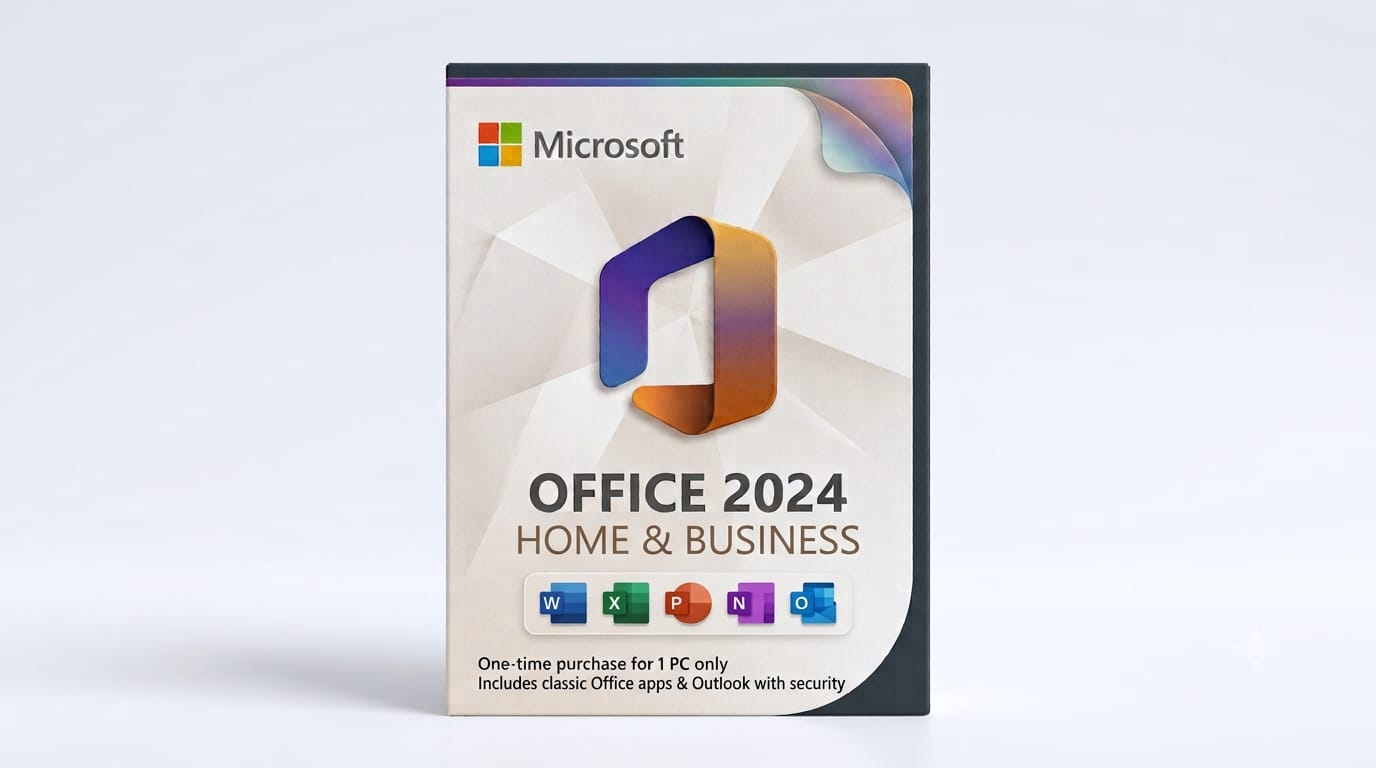
If you generate invoices in Excel or Word (common if you're using Microsoft Office 2024 Home and Business), you can embed a QR code image that links to a unique payment URL for each invoice. Many accounting packages will do this automatically, but a static QR code pointing to your general payment page is better than nothing.
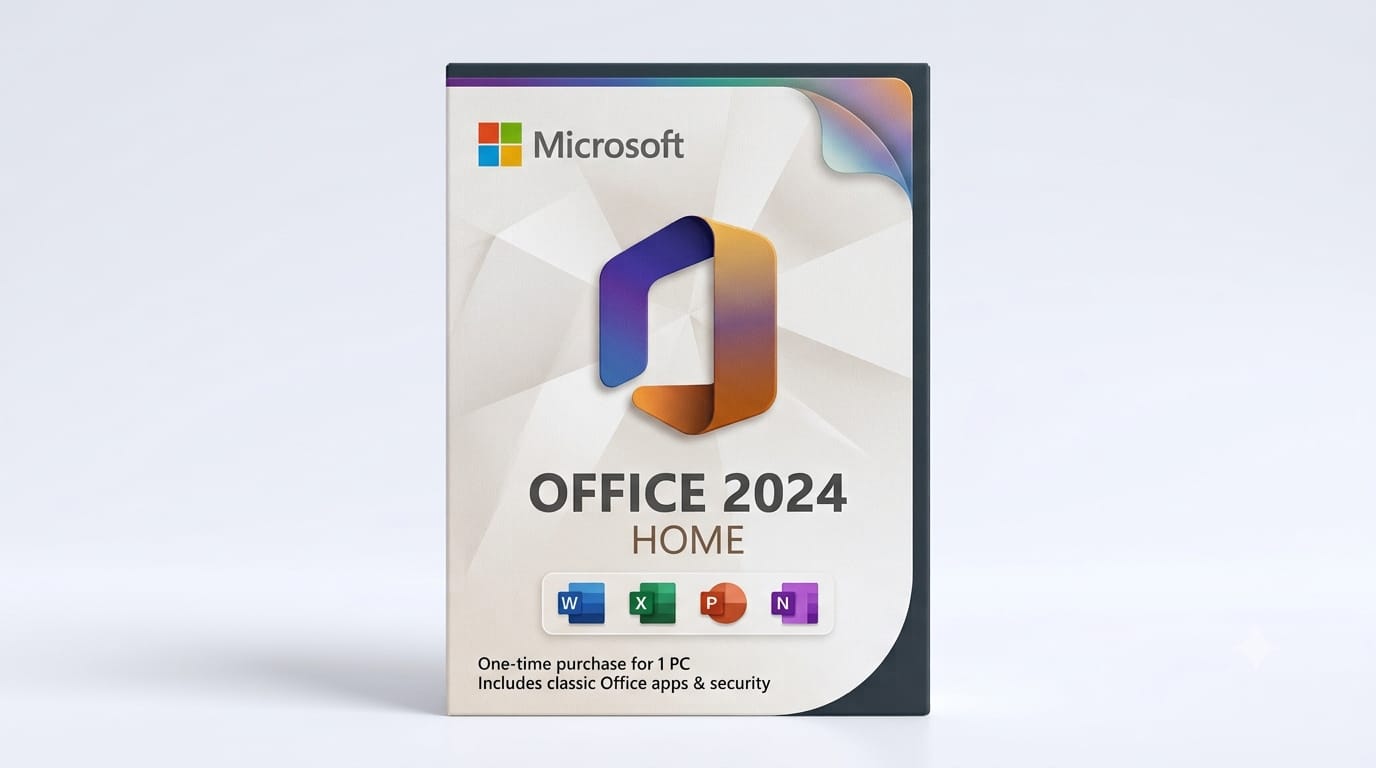
Setting up a professional invoicing workflow with embedded QR codes is easier when you have the right desktop tools. If you're working with spreadsheets and documents regularly, having Word and Excel on hand means you can design templates once and reuse them for every client without subscription fees.
Setting up a professional invoicing workflow with embedded QR codes is easier when you have the right desktop tools. If you're working with spreadsheets and documents regularly, having Word and Excel on hand means you can design templates once and reuse them for every client without subscription fees.
You can also add a QR code to email invoices that opens a pre-filled contact form for queries. Customers get instant support, and you avoid the "I didn't see your email" excuse.
QR Codes for Small Businesses: Practical Uses in Marketing and Networking
Business cards are still common at trade shows and networking events, but half of them end up in a drawer. A QR code printed on the card can link to a digital vCard that auto-populates the recipient's contacts, or to a calendar booking page so they can schedule a follow-up while you're still chatting.
Email signatures are another underused spot. A small QR code in your signature block can link to your latest offer, a feedback form, or a demo booking page. It's especially handy when someone prints your email or views it on a second device.
Print QR codes at least 2×2 cm for reliable scanning, especially if they'll be viewed from a distance or in poor lighting.
Posters, flyers, and window stickers benefit from trackable QR codes. You can use a different code for each location or campaign, then compare scan rates to see which high street, notice board, or event drove the most interest. Google Analytics UTM parameters in the destination URL give you even more detail.

Product Labels, Packaging, and Customer Support
If you sell physical products, a QR code on the label or box can replace or supplement printed instructions. Scan the code and the customer gets a video tutorial, a PDF manual, a warranty registration form, or a reorder link. This is particularly useful for bulky items where including a full manual adds cost and waste.
For consumables or repeat-purchase products, a QR code that goes straight to "buy again" or a subscription sign-up can increase customer lifetime value without any sales pressure. They scan when they're down to the last coffee pod or the final bottle of cleaning solution, and you've captured the sale before they think about switching brands.
You can also use QR codes for post-purchase support. A code on the receipt or packing slip can link to a troubleshooting page, a returns portal, or a satisfaction survey. Faster support means fewer complaints and better reviews.
Generating and Managing QR Codes
You don't need specialist software or a paid subscription. Our QR Code Generator lets you create codes for URLs, plain text, contact cards, Wi-Fi credentials, or SMS messages in a few clicks. No sign-up, no watermark, and you can download the image as PNG or SVG for print or web use.
Dynamic QR codes (where the destination URL can be changed after printing) are available from services like Bitly or QR Code Monkey, but for most small-business use cases a static code is simpler and has no ongoing cost. Just make sure the landing page URL won't change, or use a redirect you control.
Keep the destination mobile-friendly. Most people scan QR codes on their phone, so a page that requires pinch-and-zoom or has a tiny form will kill conversions. Test every code yourself on a few devices before you print hundreds of stickers.
FAQ
Can I change the destination of a QR code after printing?
Only if you use a dynamic QR code service that redirects through a short URL you control. Static QR codes (the type our free generator creates) are permanent once printed, so double-check the destination before you go to press.
How long does it take to generate a QR code?
A few seconds. You enter the URL or text, click generate, and download the image. No registration or payment required.
Do QR codes work on printed receipts or thermal paper?
Yes, as long as the contrast is sharp and the code is at least 2×2 cm. Thermal paper can fade over time, so if you need a long-lived code (for a warranty card, for example), use laser-printed labels or proper card stock.
Can I track how many people scan my QR codes?
Static codes don't track scans by themselves, but if the destination URL includes UTM parameters or goes through a link shortener with analytics (like Bitly), you can see click counts and sources in your analytics dashboard.
What happens if the QR code links to a page that's offline or moved?
The user sees a browser error. Always use a permanent URL or a redirect you control, and test codes before printing large batches.
QR codes are a low-cost, high-return tool that fits into almost any small-business workflow, from invoicing to after-sales support. If you're generating invoices or labels in Office, Microsoft Office 2024 Home and Business gives you Word, Excel, and Outlook with a lifetime licence delivered instantly by email, so you can start embedding QR codes into your documents today. For quick one-off codes, try our free QR Code Generator and see how a simple scan can replace a dozen clicks.