

Running a small business means juggling invoices, quotes, contracts, and client documents every day. You'll find yourself converting spreadsheets to PDF, signing documents, merging estimates, and tweaking proposals more often than you'd expect.
Why Most Small Businesses Don't Need Adobe Acrobat
Adobe Acrobat Pro costs around £180 per year on subscription. That's money you probably don't need to spend. Most small business PDF tasks fall into a handful of categories: creating PDFs from Word or Excel, filling in forms, adding signatures, merging files, and compressing large documents for email.
If you're already using Microsoft Office for your day-to-day work, you've got PDF creation and basic editing sorted. Word, Excel, and PowerPoint all export to PDF natively. Recent versions of Word can even open and edit simple PDFs directly, which is handy when a client sends back a quote with handwritten notes scanned in.
If you're still running an older version of Office or relying on a patchwork of free tools, upgrading to a permanent licence makes sense. You get Word, Excel, PowerPoint, and Outlook with full PDF export and basic editing baked in, and you pay once instead of subscribing month after month.
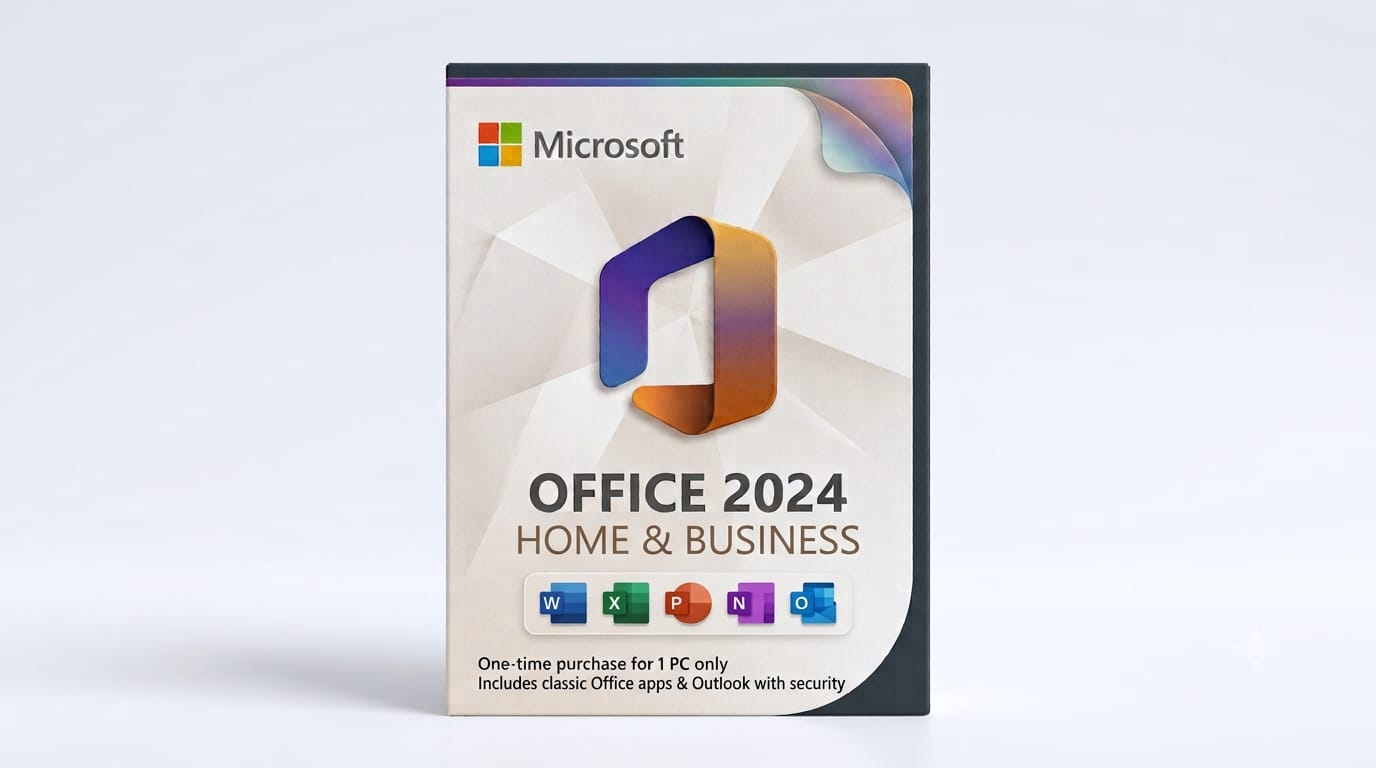
A Microsoft Office 2024 Home and Business licence gives you Word, Excel, PowerPoint, and Outlook with full PDF support built in. You pay once, activate instantly, and own it for life. No monthly fees, no surprises.
The PDF Tools Every Small Business Owner Actually Uses
Here's what you'll reach for week in, week out:
- PDF creation from Office documents: Built into Word, Excel, and PowerPoint via File > Save As > PDF. Quality is excellent, file sizes are sensible, and it works offline.
- Signing PDFs: Our free Sign PDF tool lets you upload a document, draw or upload your signature, position it, and download the signed file. No account required, nothing stored on our servers after you close the tab.
- Merging and splitting: The PDF Tools page includes merge, split, and compress utilities. Upload multiple quotes or timesheets, combine them into one file, and email it to your accountant.
- Compressing large files: Photos and scans bloat PDFs fast. A quick run through a compression tool can shrink a 12 MB file down to 2 MB without visible quality loss, which keeps your emails from bouncing.
- Form-filling: Word and free PDF readers handle text fields and checkboxes. You don't need Acrobat unless you're designing interactive forms from scratch, which most small businesses never do.
Keep client contracts and financial documents offline when possible. Free browser tools are convenient, but sensitive files are safer edited locally in Word or a desktop PDF reader.
When to Use Free Online Tools vs. Office
If you're at your desk working on an estimate or proposal, create the PDF straight from Word or Excel. It's faster, the formatting stays perfect, and you're not uploading anything to a third party.
Free online PDF tools shine when you're dealing with files you didn't create. A supplier sends a scanned invoice that needs your signature, or a client emails three separate quotes that need combining. Pop open the browser, upload, process, download, done. Just remember that anything uploaded to a free service travels over the internet, so save the truly confidential stuff for offline tools.
The other time to lean on Office is editing. If a PDF started life as a Word document, opening it in Word often gives you editable text and images rather than a locked page image. You can fix a typo, update a phone number, and export a corrected PDF in under a minute.

What You Get with a Genuine Office Licence from FairSoftware
When you buy a genuine Office licence here, you receive your product key by email within minutes. The key activates a full, permanent copy of Office direct from Microsoft's servers. No trial period, no subscription clock ticking down.
You can install it on one PC or Mac (depending on the edition), and it stays activated as long as you use that machine. If your hardware dies, Microsoft's support can usually help you transfer the licence once. It's the same software sold in retail boxes, just delivered faster and without the plastic packaging.
Activation is straightforward: download the installer from Microsoft, enter your key when prompted, and you're done. If something goes wrong, our support team is available by email, and Microsoft's automated phone activation works as a backup.
Frequently Asked Questions
Are the Office licences you sell genuine?
Yes. Every key we supply is a legitimate Microsoft product key sourced through authorised distribution channels. You activate directly with Microsoft, and the software downloads from their servers.
How fast is delivery?
Product keys arrive by email within minutes of your order, usually faster. If you order outside UK business hours, it might take up to a few hours, but we aim for instant delivery.
Can I reuse my Office licence if I buy a new computer?
Office Home and Business licences are tied to one device. If you replace your PC or Mac, Microsoft support can sometimes transfer the licence once, but it's not guaranteed. Plan on one licence per machine for predictable compliance.
What if activation fails?
Contact us immediately. We'll verify your key and either resend it or arrange a replacement. Microsoft's phone activation system can also resolve most technical activation blocks within minutes.
Do you offer refunds?
Yes, if the key fails to activate and we can't resolve it, or if we've made an error. Because software licences are delivered instantly and can't be "returned," we can't refund change-of-mind requests once the key is sent.
Making PDF Work Simple
You don't need a monthly subscription or a stack of specialist software to handle everyday PDF tasks. A one-time Office licence gives you creation, basic editing, and offline control, while free browser tools fill the gaps for signing, merging, and compressing. Between the two, you're covered for quotes, invoices, contracts, and everything else a small business throws at you.
If you're ready to stop paying monthly fees and want the PDF tools every small business owner needs built into Office, grab a copy of Microsoft Office 2024 Home and Business. Your licence key arrives by email within minutes, and you'll own it outright.