

Office 365 is a subscription that costs forever. Office 2024 is a perpetual licence you buy once. Here's what that means for your wallet and your workflow.
If you're trying to decide which one to buy, you're not alone. Microsoft's naming hasn't helped: Office 365 was rebranded to Microsoft 365 in 2020, but most people still call it Office 365. The difference between Office 365 and Office 2024 really boils down to how you pay and what updates you get.
Subscription vs. Perpetual: The Core Difference
Office 365 (or Microsoft 365) requires a monthly or annual subscription. You get the latest features the moment Microsoft releases them, plus 1TB of OneDrive cloud storage and ongoing technical support. Stop paying, and you lose access to the apps. You can still open your documents, but you can't edit them in Word, Excel, or PowerPoint.
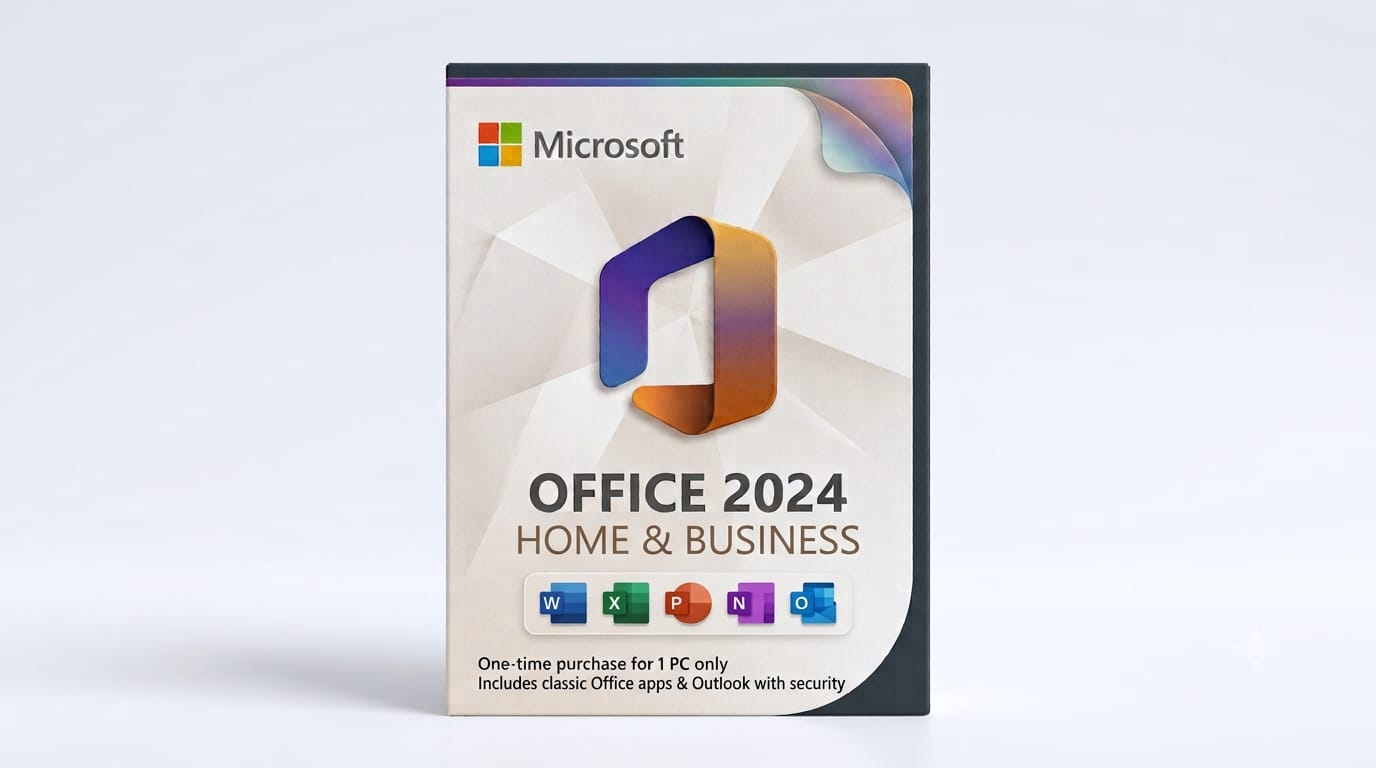
Office 2024 is a perpetual licence. You pay once, you own it for life on one PC or Mac. You get the feature set that shipped in October 2024, and that's what you keep. No monthly fees, no forced updates, no cloud storage included. Microsoft Office 2024 Home and Business is the most popular edition for small businesses and self-employed users.
That one-time payment means your software budget is predictable. If you're running a small business and you don't need the latest collaboration bells and whistles every quarter, a perpetual licence makes a lot more sense than paying £80 or more every year per seat.
What You Actually Get in Each
Office 365 plans (Personal, Family, Business) include:
- Word, Excel, PowerPoint, Outlook, and sometimes OneNote, Publisher, and Access depending on the plan
- 1TB OneDrive storage per user
- Monthly feature updates and new AI tools as they roll out
- Web and mobile versions of the apps
- Install on up to five devices (depends on the plan)
Office 2024 editions (Home, Home & Business, Professional) include the desktop apps only. You get Word, Excel, PowerPoint, and Outlook. The Home & Business edition also includes OneNote. The Professional edition adds Access and Publisher (Windows only). No cloud storage, no web apps beyond the free versions Microsoft offers to everyone, and no automatic feature updates.
Office 2024 does receive security patches for five years under Microsoft's fixed lifecycle policy. You won't get new features, but you won't be left vulnerable to known exploits either.
If you work offline most of the time or simply don't want another subscription to manage, Office 2024 gives you everything you need without the recurring cost.
Cost Over Time: The Real Difference Between Office 365 and Office 2024
Let's talk money. Office 365 Personal typically costs around £60 to £80 per year. Over five years, that's £300 to £400. A family plan might be £80 to £100 annually, or £400 to £500 over the same period.
A perpetual Office 2024 Home and Business licence is a one-time purchase. After five years, you've paid once. If your needs don't change, you can keep using it for another five years or longer. The maths is simple: subscription costs compound, perpetual licences don't.
That said, if you rely heavily on OneDrive, share files constantly with Teams, or need the latest Excel functions for data analysis the day they launch, Office 365 might justify the ongoing cost. Most home users and small businesses don't fall into that category.

Activation, Delivery, and What Happens Next
When you buy a genuine Office 2024 licence from FairSoftware, you receive your product key by email within minutes. You download the installer directly from Microsoft's servers, enter the key, and activate online. One key, one device, tied to your Microsoft account. The licence doesn't expire, and you can reinstall it if you replace your PC or reformat your drive.
Office 365 works differently. You purchase a subscription code, redeem it on your Microsoft account, and download the apps. Your subscription renews automatically unless you cancel. If you stop paying, the apps go into read-only mode after a grace period.
Both are genuine Microsoft licences. The difference is how long they last and what you pay for that duration. If you want true ownership, Office 2024 Home and Business is the one to buy.
Which One Should You Buy?
If you're a freelancer, run a small business, or just want Word and Excel without the subscription treadmill, Office 2024 is the better deal. You're not missing out on critical features unless your work depends on real-time co-authoring or AI tools that update every month. Most people use the same core Word and Excel features they learned ten years ago.
Office 365 makes sense if you're already paying for OneDrive storage, if you collaborate heavily with others on shared documents, or if your business needs centralised admin controls and always-current software. For everyone else, paying once beats paying forever.
If you're still using Office 2019 or Office 2021, upgrading to Office 2024 gives you another five years of security updates and a handful of useful refinements. But if those older versions still do the job, there's no urgent reason to upgrade unless you're changing hardware.
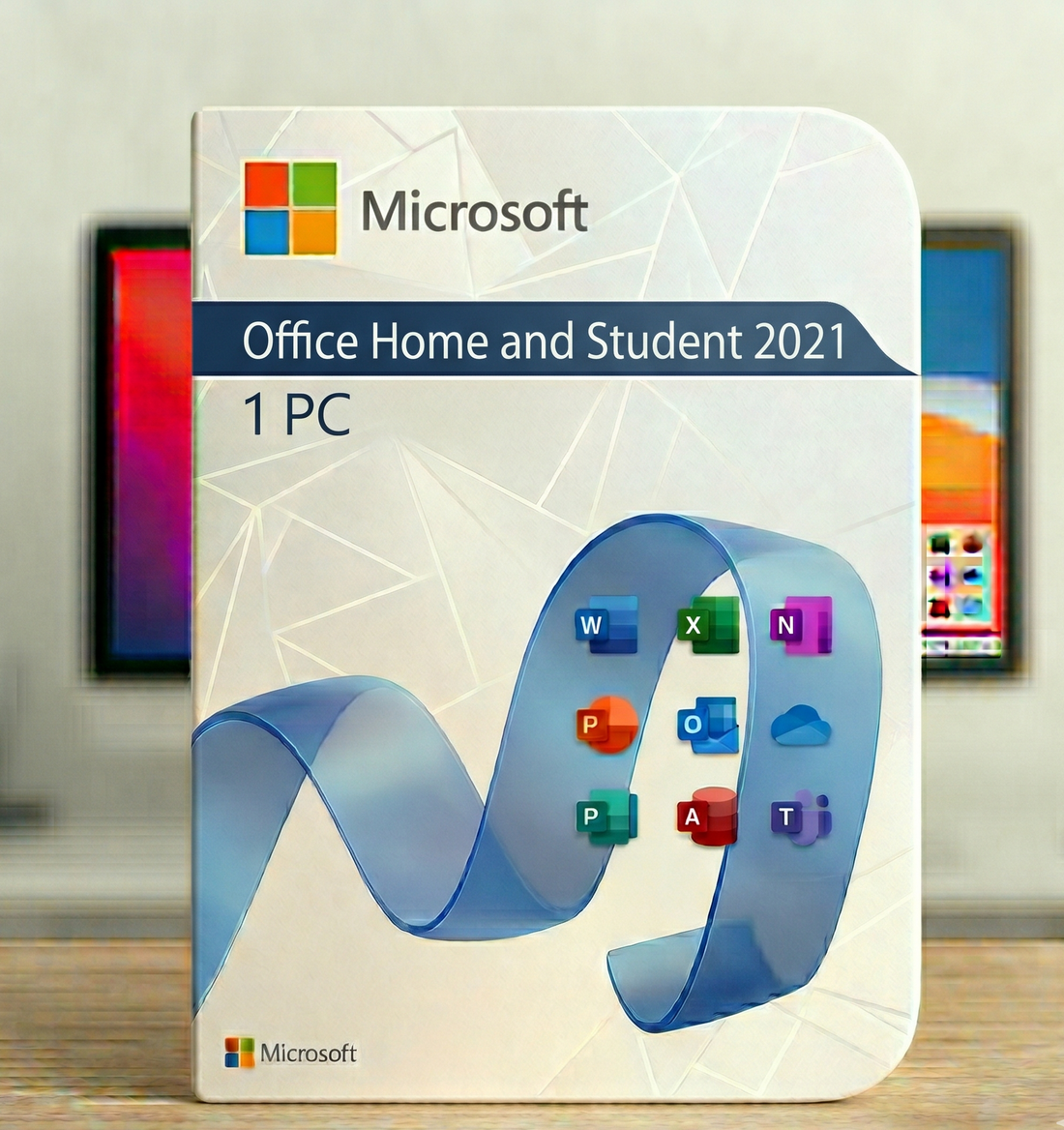
If you're upgrading from an older version but need fewer features than the Home and Business edition, Office 2021 Home & Student offers another solid perpetual option. It includes Word, Excel, and PowerPoint for one PC or Mac, with the same one-time payment model and no subscription required. It's a good fit if you don't need Outlook or business tools and want to keep things simple.
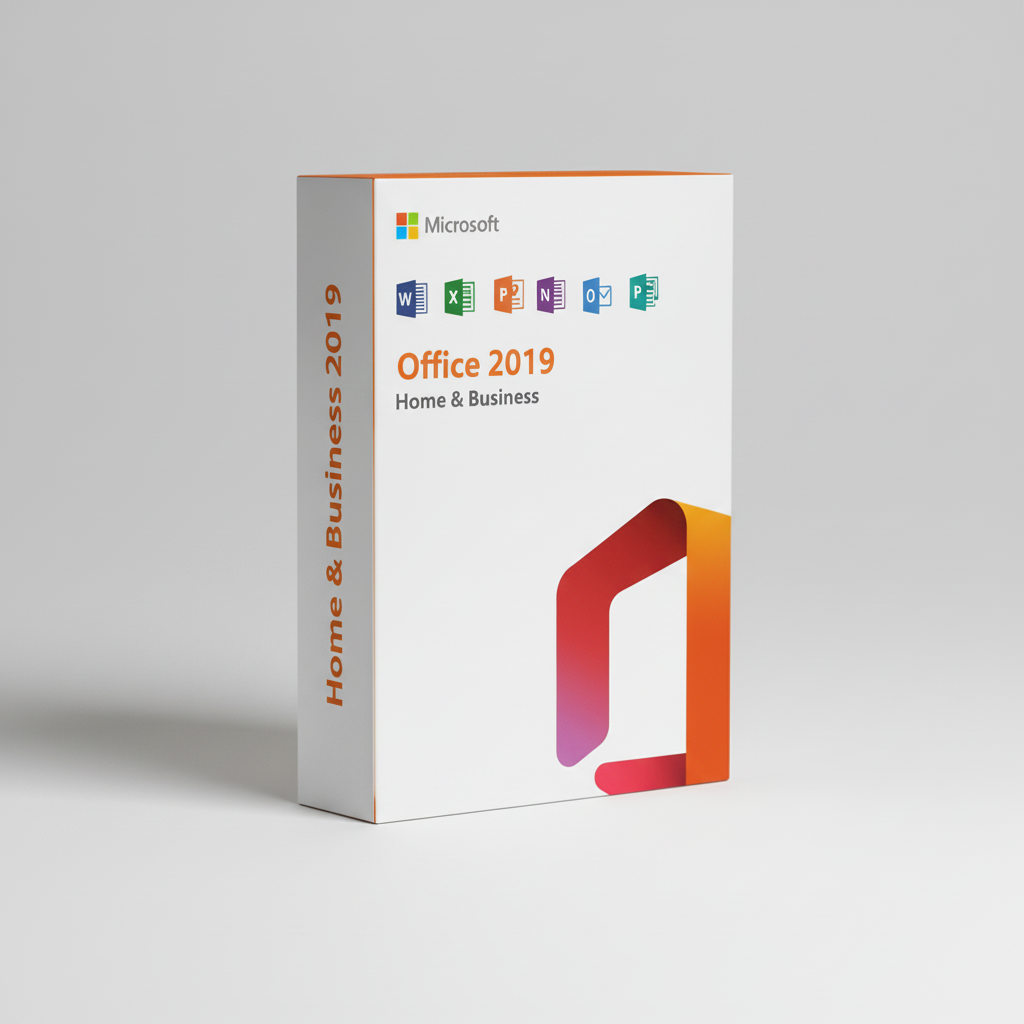
If you're ready to move on from an older version but don't want the subscription commitment, Office 2019 Home and Business sits between the newer 2024 release and the older perpetual licences. It still receives security updates until October 2025, includes the core desktop apps (Word, Excel, PowerPoint, Outlook, and OneNote), and works exactly the same way: one payment, one device, no recurring fees.
Frequently Asked Questions
Is the Office 2024 licence I buy from FairSoftware genuine?
Yes. Every licence we sell is a legitimate Microsoft product key, delivered digitally. You activate it directly with Microsoft, and it's yours permanently.
How quickly will I receive my Office 2024 licence key?
You'll get your product key by email within minutes of purchase, usually faster. Check your spam folder if it doesn't appear right away.
Can I transfer my Office 2024 licence to a new computer?
Yes. Office 2024 Home and Business is transferable to a different PC or Mac. Uninstall it from the old device, then install and activate on the new one using the same key.
What happens if activation fails?
Contact our support team. We'll help troubleshoot or issue a replacement key if there's a genuine problem. Activation issues are rare with legitimate keys.
Is there a refund policy?
Yes. If the key doesn't activate or there's a problem we can't resolve, you're covered. Digital licences can't be refunded once successfully activated, so make sure you're buying the right edition before you complete the purchase.
Final Thoughts
The difference between Office 365 and Office 2024 comes down to ownership and cost. Office 365 is a subscription that gives you the latest features and cloud storage for as long as you pay. Office 2024 is a one-time purchase that gives you the apps you need without the recurring bill. For most small businesses and home users, Microsoft Office 2024 Home and Business offers better value and true ownership. You'll receive your genuine licence key by email within minutes, and you're done paying.