

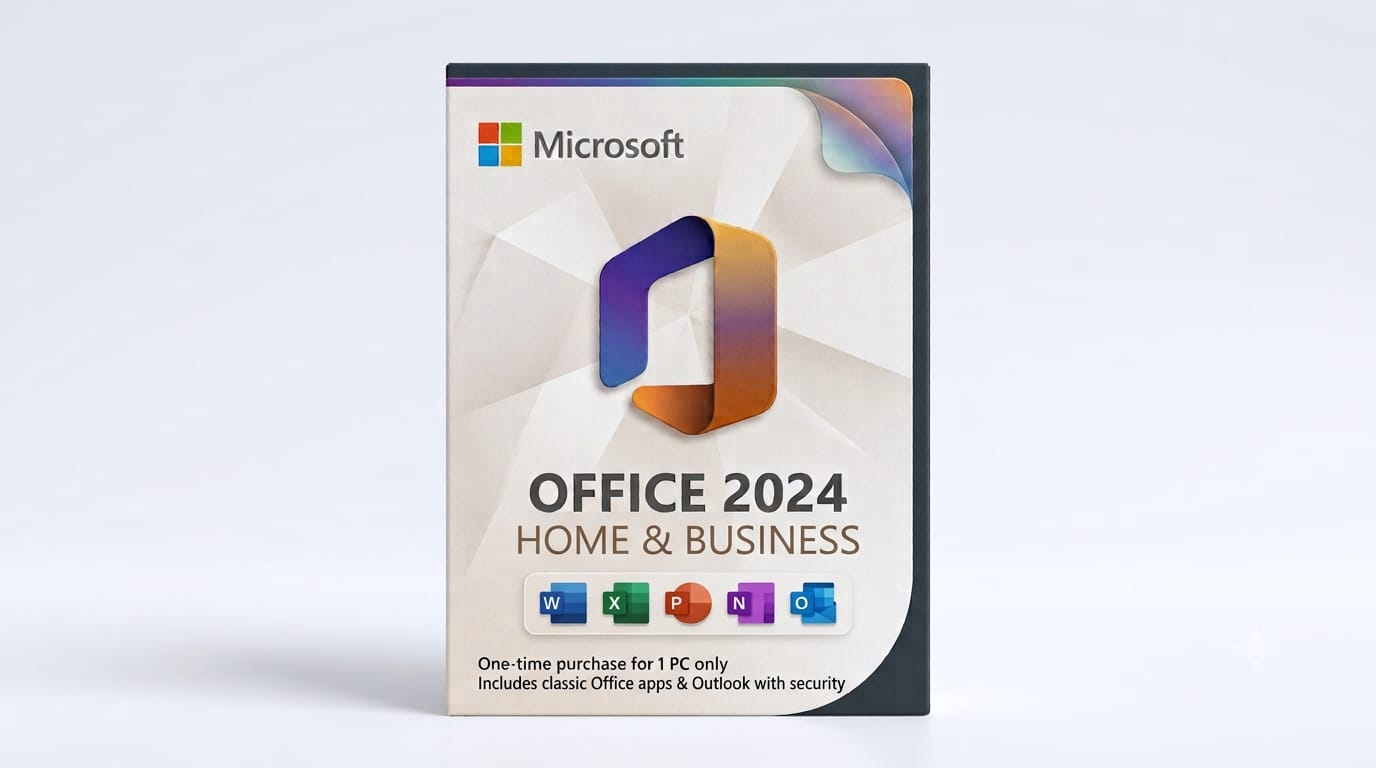
Microsoft released Office 2024 in October 2024, three years after Office 2021 hit the market. Both are perpetual licences, meaning you pay once and own the software outright, but the newer version brings tangible improvements in Excel, Word, and Outlook that some users will genuinely benefit from, whilst others can save money by sticking with the older release.
What's Actually New in Office 2024
The headline feature is AI integration. Office 2024 includes Microsoft Editor with text predictions in Word, suggested replies in Outlook, and dynamic array functions in Excel that recalculate automatically when you change source data. If you've ever written a VLOOKUP formula that breaks when you insert a row, dynamic arrays solve that problem cleanly.
Excel also gains the XLOOKUP function, which replaces VLOOKUP and HLOOKUP with a single, more flexible tool. PowerPoint adds live captions and translation, useful if you present to international teams or need accessibility features. OneDrive integration is tighter, too, though both versions require a Microsoft account for full functionality.
Office 2021 doesn't have any of this. It's essentially a snapshot of what Office 365 looked like in mid-2021, with features like dark mode, improved inking tools, and XLOOKUP's predecessor functions. It works perfectly well for word processing, spreadsheets, and presentations, but it won't receive new features or AI tools via updates.
How Long Each Version Receives Security Updates
This is where the decision gets serious. Microsoft supports each perpetual Office release for five years from launch. Office 2021 launched in October 2021, so mainstream support ends in October 2026. After that, you'll still be able to use the software, but you won't get security patches for newly discovered vulnerabilities.
Office 2024 launched in October 2024, giving it support until at least October 2029. That's three extra years of security updates, which matters if you handle client data, financial records, or anything that could be targeted by malware. A 2021 licence bought today gives you roughly two years of remaining support; a 2024 licence gives you five.
If your device runs Windows 10 or macOS 12 Monterey or later, both Office 2021 and 2024 will install without issues.
Choosing the Right Edition for Your Needs
Both Office 2021 and Office 2024 come in three main editions for home and business use. Home & Student includes Word, Excel, and PowerPoint for non-commercial use. Home & Business adds Outlook and allows commercial work. Professional editions add Access and Publisher on Windows, useful if you manage databases or create marketing materials.
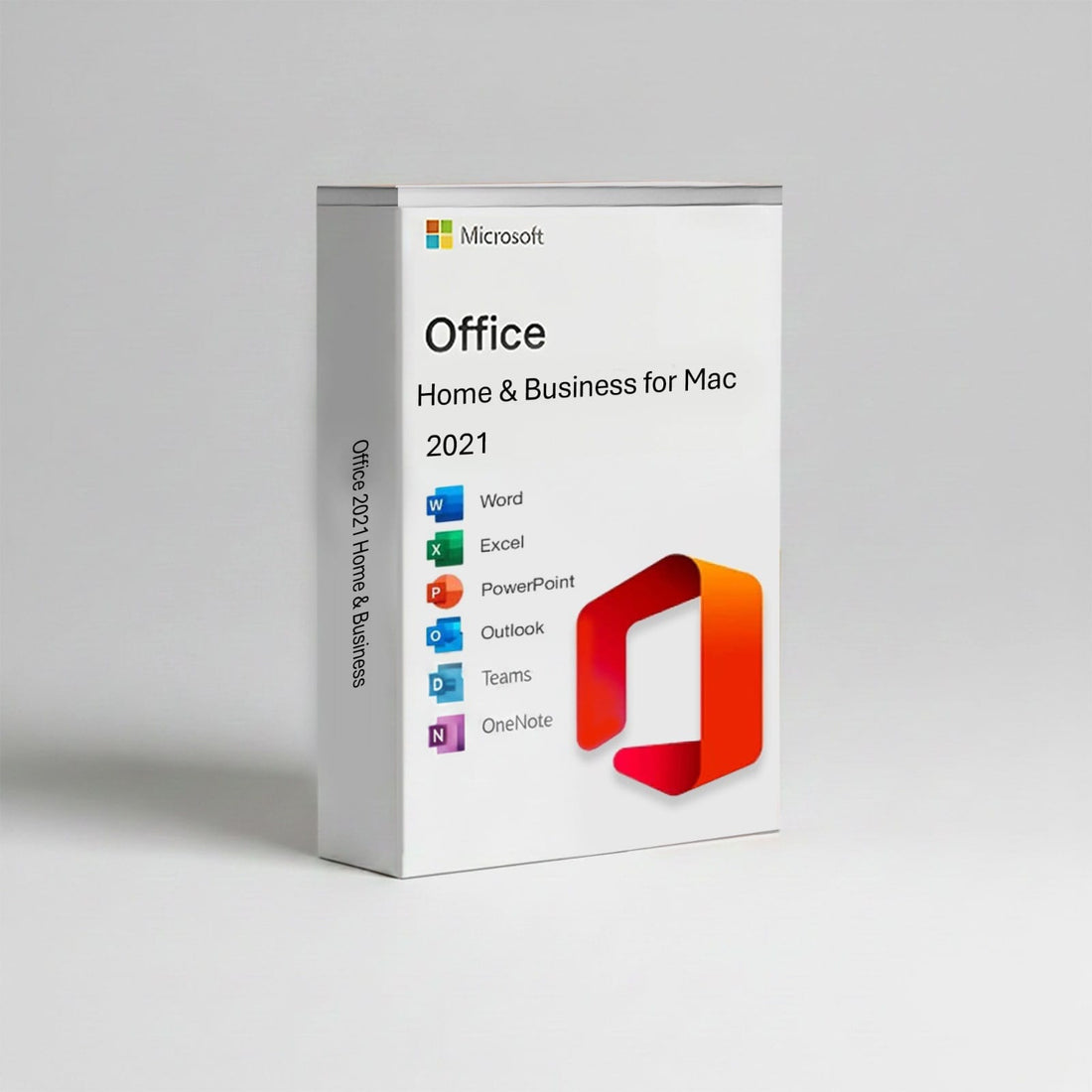
Mac users have fewer choices: Microsoft Office 2021 Home & Business for Mac and the 2024 equivalent both include Word, Excel, PowerPoint, Outlook, OneNote, and Teams. Access and Publisher have never been available on macOS, so if you need those, you'll need a Windows device.
Mac users looking for a perpetual Office licence have a straightforward path. Microsoft Office 2021 Home & Business for Mac delivers the full suite of Word, Excel, PowerPoint, Outlook, OneNote, and Teams without a subscription, making it a solid choice for Apple users who prefer one-time purchases. While it lacks the AI features and extended support of the 2024 version, it remains fully functional for everyday productivity tasks.
If you're running a small business and need Outlook for email, the Home & Business edition is the baseline. If you also work with Access databases or Publisher layouts, step up to Microsoft Office 2021 Professional or the 2024 equivalent. Students and home users who don't need Outlook can save money with the Home & Student edition.

The Difference Between Office 2021 and Office 2024: Which One Should You Buy?
If you're buying today and plan to use Office for more than two years, Office 2024 makes more sense. The extended security support alone justifies the difference, and the new Excel functions will save time if you work with data regularly. You're paying for five years of updates instead of two.
Office 2021 is the better choice if budget is tight or you're equipping a device that will be replaced within two years anyway. It does everything most people need from Office, and the lower upfront cost is real money saved. Just be aware that you're buying software that's already three years into its support lifecycle.
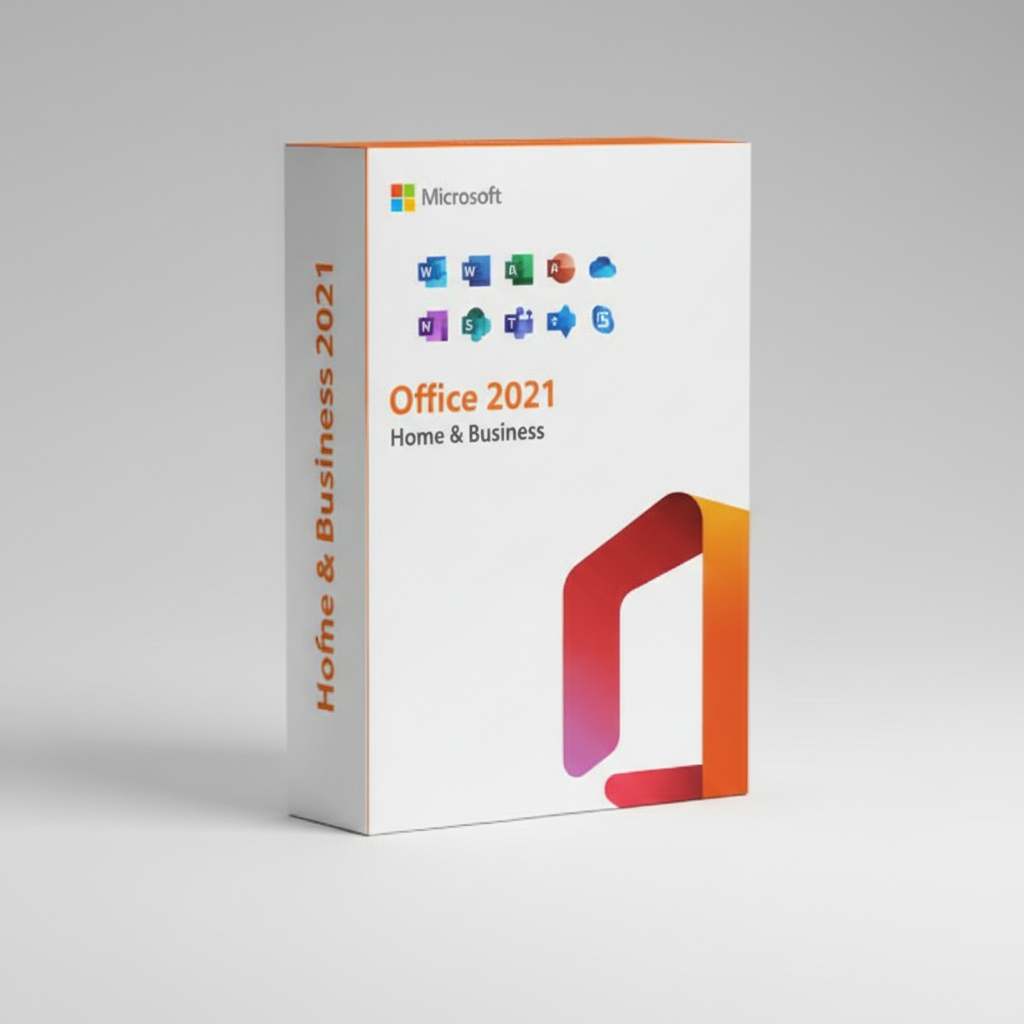
That lower upfront cost can be especially attractive if you're equipping a business or home office without committing to a subscription model. Microsoft Office 2021 Home and Business delivers Word, Excel, PowerPoint, and Outlook as a one-time purchase, giving you the core productivity tools most users rely on every day without ongoing fees.
Here's a quick comparison of what you actually get:
- Office 2024: AI writing tools, XLOOKUP and dynamic arrays in Excel, live captions in PowerPoint, security updates until October 2029
- Office 2021: All core Office apps without AI features, security updates until October 2026, lower initial cost
- Both: Perpetual licence with no subscription, one-device activation, full offline functionality
How Activation and Delivery Work
When you buy a perpetual Office licence from FairSoftware, you receive your product key via email within minutes of purchase. You download the installer directly from Microsoft's servers, enter your key during setup, and the software activates against your Microsoft account. The licence is tied to one device, and you can transfer it if you replace your computer, though you'll need to deactivate the old installation first.
Both Microsoft Office 2021 Home and Business and the 2024 editions use the same activation process. If something goes wrong, Microsoft's automated phone activation usually sorts it within minutes, or you can contact support directly. Genuine licences from authorised retailers activate cleanly; if a key doesn't work, that's the first sign it might not be legitimate.
Frequently Asked Questions
Are FairSoftware Office licences genuine Microsoft products?
Yes, all Office licences sold by FairSoftware are genuine Microsoft product keys sourced from authorised distributors. They activate directly through Microsoft's servers and receive full support and updates.
How quickly will I receive my Office licence key?
Product keys are delivered by email within minutes of purchase, typically within 10 to 15 minutes. You can download the installer from Microsoft and activate immediately.
Can I transfer my Office licence to a new computer?
Yes, perpetual Office licences can be transferred to a different device. You'll need to deactivate the software on the old computer first, then install and activate it on the new one using the same product key.
What happens if my Office product key won't activate?
If your key doesn't activate online, try Microsoft's automated phone activation system. If that fails, contact FairSoftware support with your order details, and they'll resolve the issue or provide a replacement key.
Is there a refund policy if Office doesn't work on my device?
Digital product keys cannot be refunded once delivered, so check Microsoft's system requirements before purchasing. If you receive a faulty or already-used key, FairSoftware will replace it or issue a refund.
Making the Call
For most buyers in 2025, Office 2024 is the sensible choice. You're paying for current features and three extra years of security patches, which adds up to better value over the software's lifespan. If your budget allows, go with Microsoft Office 2024 Home and Business and you'll have a supported, capable Office suite through 2029. Your product key arrives by email in minutes, and you'll be working in Word, Excel, and Outlook the same day.