

Office 2024 is the latest perpetual release from Microsoft, and it includes several features that were previously exclusive to Microsoft 365 subscribers. If you prefer owning software outright rather than paying monthly, this version delivers tangible improvements across Word, Excel, and PowerPoint.
What Makes the Top Features of Office 2024 Stand Out
The headline additions in Office 2024 are the AI-powered writing tools and enhanced collaboration features. Microsoft Editor has been upgraded with more intelligent grammar and style suggestions, including tone detection that helps you match your writing to the intended audience. It catches more nuanced issues than previous versions, and the suggestions feel less robotic.
PowerPoint now includes Cameo, which integrates your webcam feed directly into slides. You can position yourself alongside your content in various layouts, which is useful for recorded presentations or hybrid meetings. It's not revolutionary, but it saves the hassle of setting up third-party streaming software.
If you are still deciding between editions, our Office version comparison lays the years side by side, and Office 2024 Home and Business is the one-off licence most of these features arrive with.
Excel has inherited dynamic arrays, a feature that fundamentally changes how formulas work. Functions like FILTER, SORT, and UNIQUE now spill results across multiple cells automatically, which makes data manipulation faster and more intuitive. If you've ever wrestled with complex nested formulas, this genuinely saves time.
Performance and Compatibility Improvements
Office 2024 runs noticeably faster on modern hardware, particularly when opening large Excel workbooks or PowerPoint presentations with embedded media. Microsoft has optimised the codebase to take advantage of newer processors, and it shows in everyday tasks.
The suite supports dark mode across all applications now, which wasn't consistently implemented in Office 2019 or 2021. It's a small detail, but if you spend hours in these applications, it reduces eye strain. The interface remains familiar, so there's no learning curve if you're upgrading from Office 2019 or 2021.
File compatibility extends back to Office 2013 formats without issues, and the PDF export options have been refined. You get better control over bookmarks, accessibility tags, and compression settings, which matters if you're producing documents for professional distribution.
Real-Time Collaboration Without a Subscription
One of the most practical updates is improved co-authoring. If you save documents to OneDrive or SharePoint, multiple people can edit simultaneously with changes appearing in real time. Previous perpetual versions had limited collaboration features, so this narrows the gap with Microsoft 365.
Comments and track changes work more reliably now, with threaded conversations that make document reviews easier to follow. You can @mention colleagues to draw their attention to specific sections, and resolved comments collapse out of the way automatically.
Outlook 2024 has a cleaner interface and better search functionality. The focused inbox does a decent job of filtering out low-priority emails, though you'll need to train it for a few days. Calendar sharing is more straightforward, and meeting scheduling has fewer clicks.

What You Get When You Buy a Genuine Licence
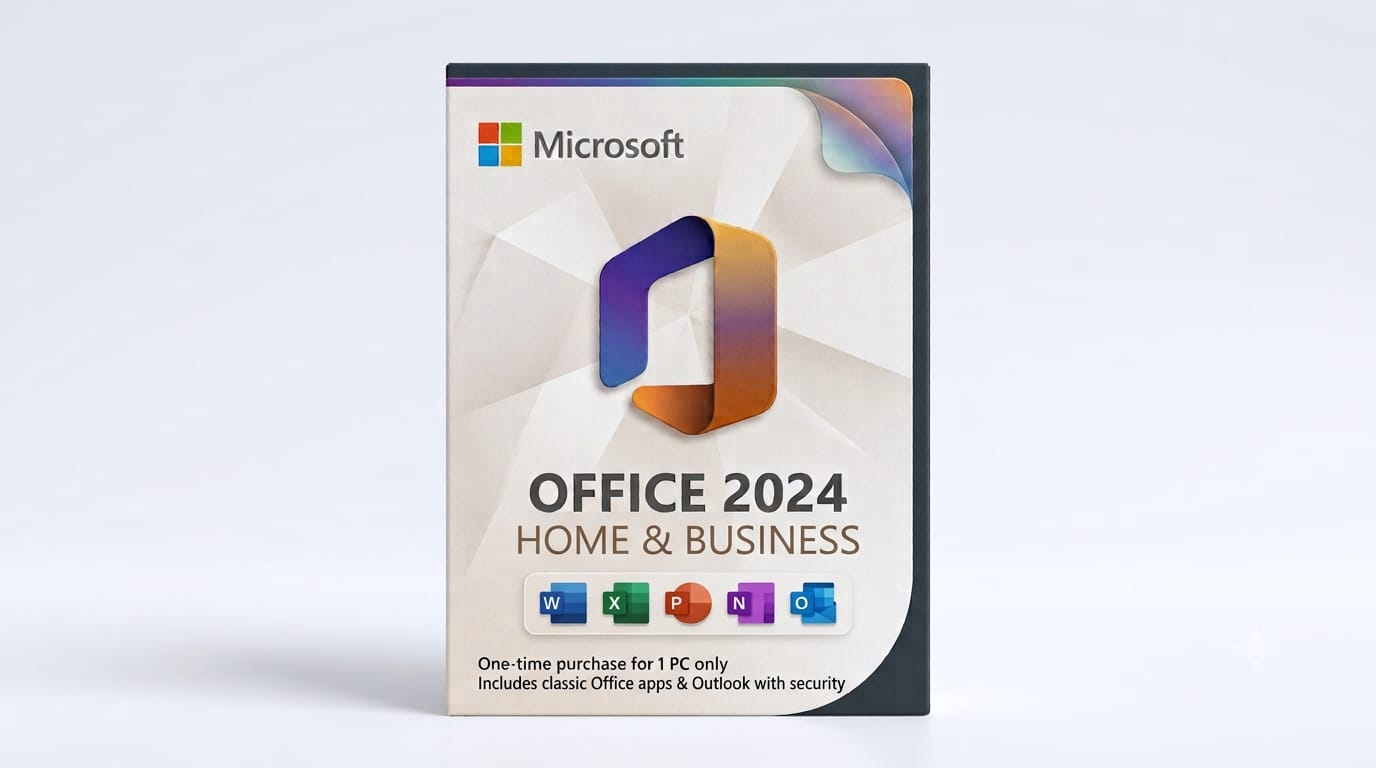
When you purchase Microsoft Office 2024 Home and Business, you receive a digital licence key delivered by email. There's no subscription, no recurring fees, and you can install it on one PC or Mac (depending on which edition you choose). The licence is tied to your Microsoft account and can be reactivated if you change hardware, though only one active installation is permitted at a time.
Activation happens online during installation. You'll enter the 25-character product key, sign in with your Microsoft account, and the software validates within seconds. If you run into problems, Microsoft's automated phone activation still works as a backup.
Office 2024 includes the core applications most people need:
- Word for document creation and editing
- Excel for spreadsheets and data analysis
- PowerPoint for presentations
- Outlook for email and calendar management (in Home and Business editions)
- OneNote for note-taking
There's no Teams desktop client included in the perpetual version, but you can use the free web version if needed. If you need Access or Publisher, you'll want to look at the Professional editions instead.
Is Office 2024 Worth Upgrading From Earlier Versions?
If you're still using Office 2019, the upgrade delivers enough to justify the cost, especially if you work with large datasets in Excel or collaborate frequently. The dynamic array functions alone change how you approach spreadsheet tasks, and the performance improvements are measurable on modern hardware.
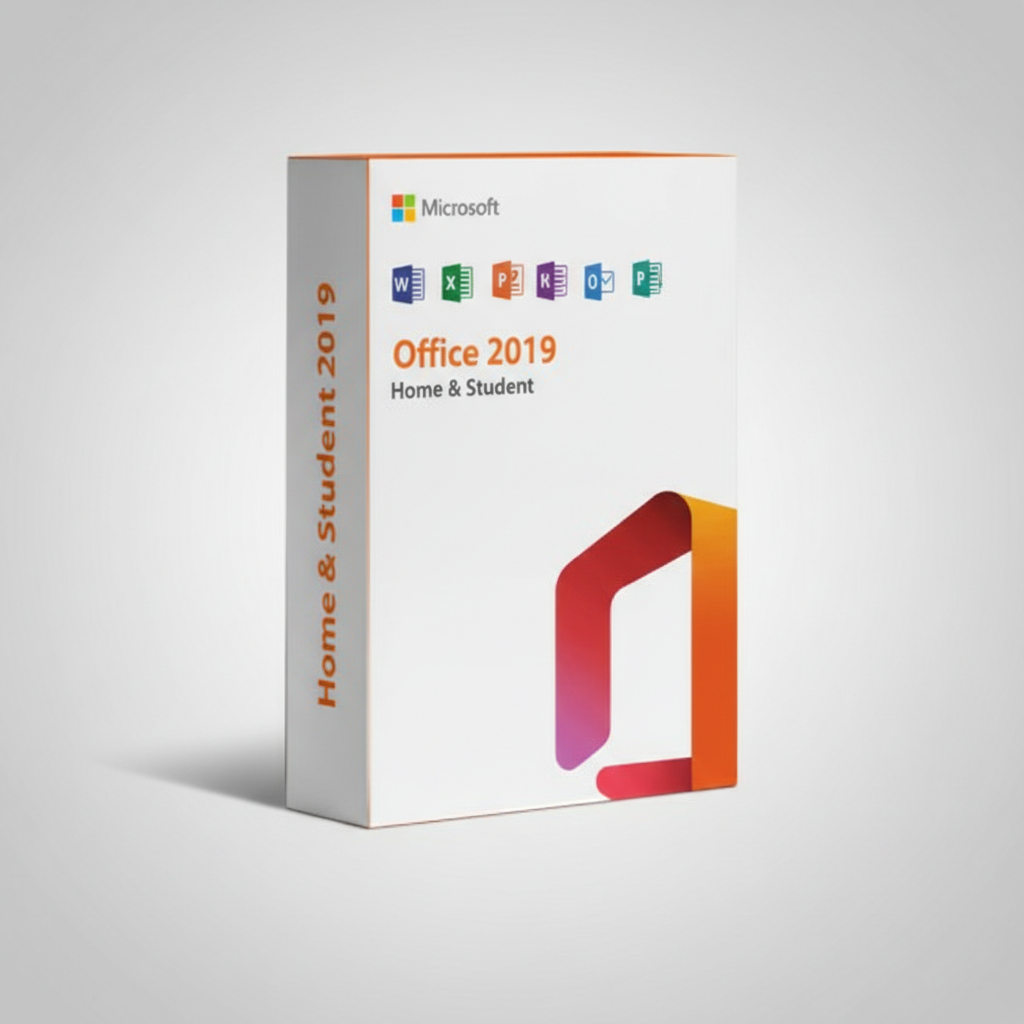
If you're not ready to move to the 2024 version yet, Microsoft Office 2019 Home & Student remains a solid choice for basic productivity needs. It includes Word, Excel, and PowerPoint with a one-time purchase, no subscription required, and still receives security updates for everyday home and student use.
For Office 2021 users, the gap is smaller. The AI writing tools and Cameo feature are nice additions, but they won't transform your workflow. If your current setup works fine, there's no urgency. That said, Office 2024 will receive security updates for longer, which matters for business use.
Office 2024 doesn't reinvent productivity software, but it refines the tools most people rely on daily. The AI features feel practical rather than gimmicky, and the performance gains are real. If you're looking for a one-time purchase with no ongoing costs, this is the best perpetual version Microsoft has released in years.
Frequently Asked Questions
Is the Office 2024 licence genuine and legal? Yes. When you buy from an authorised retailer, you receive a legitimate product key directly from Microsoft's supply chain. It activates online and receives full support and security updates.
How quickly will I receive my licence key? Digital delivery is typically instant or within a few hours. You'll get an email with the 25-character product key and download instructions. No physical media is shipped.
Can I transfer my Office 2024 licence to a new computer? Yes, but only one installation can be active at a time. You'll need to deactivate the old machine through your Microsoft account before activating on new hardware, or contact Microsoft support to reset the activation.
What happens if activation fails? Most activation issues resolve by checking your internet connection and ensuring the product key was entered correctly. If problems persist, Microsoft's phone activation system can complete the process manually, or you can contact support for a replacement key.
Is there a refund policy if Office 2024 doesn't work on my system? Refund policies vary by retailer. Check the terms before purchase. Most sellers offer refunds within a limited window if the software fails to activate due to a faulty key, but not for compatibility issues or change of mind after activation.
Office 2024 delivers practical improvements that matter in everyday use. The dynamic arrays in Excel, improved collaboration, and performance gains make it a solid upgrade from earlier perpetual versions. If you're ready to buy a genuine lifetime licence, Microsoft Office 2024 Home and Business is delivered instantly by email and activates in minutes.